

Bob invited you
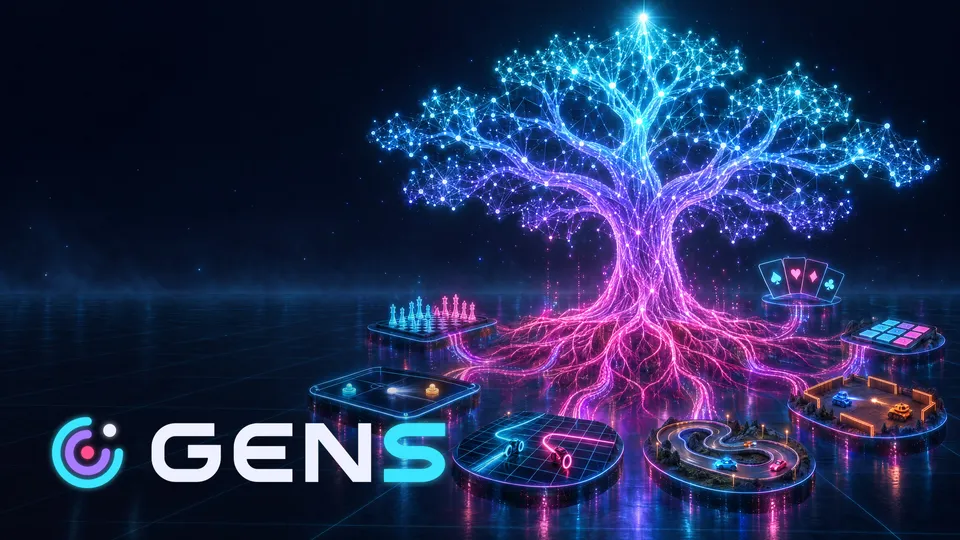
Gens: Generation Arena
Early access · by invitation
Gameway installs your games, updates them by downloading only what changed, and keeps friends, chat and invites one click away: in the app and in your browser.
The app is for Windows and macOS: open this page on your computer to download it.
Free · Windows 10 / 11 · macOS 13.3 or laterThe installers aren't signed by Microsoft or Apple yet. Installation steps
Now on Gameway
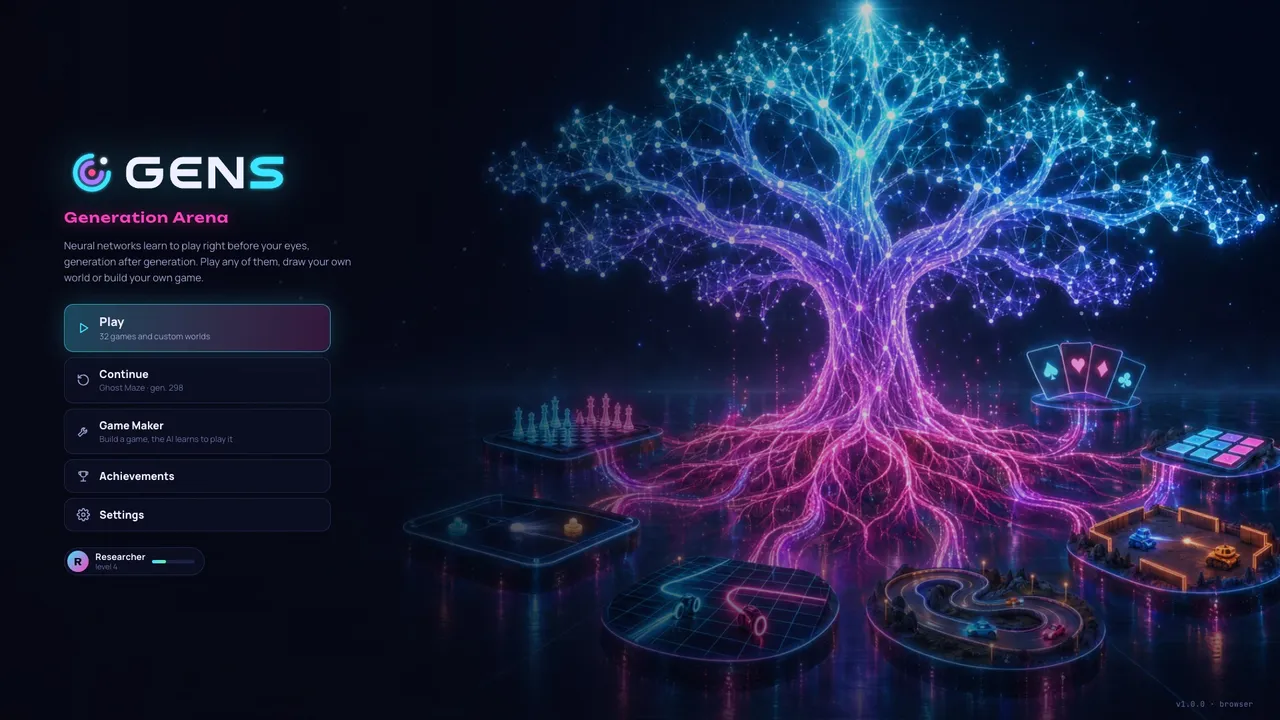
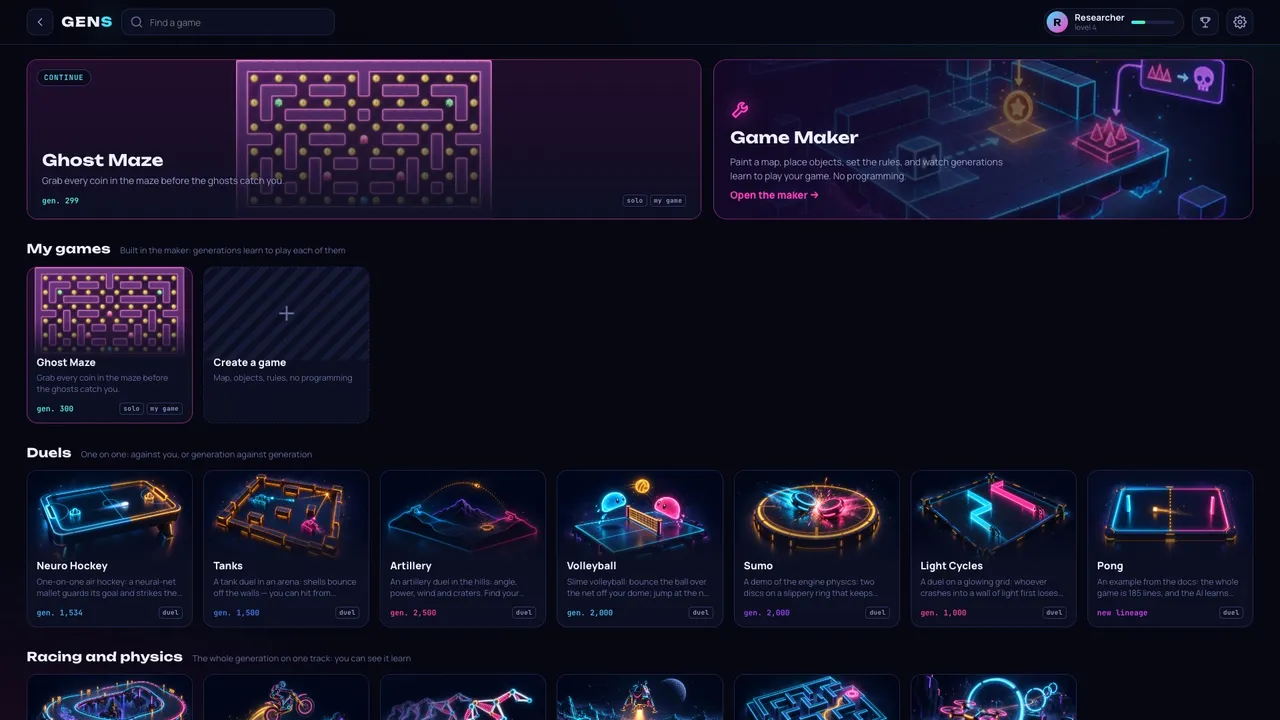
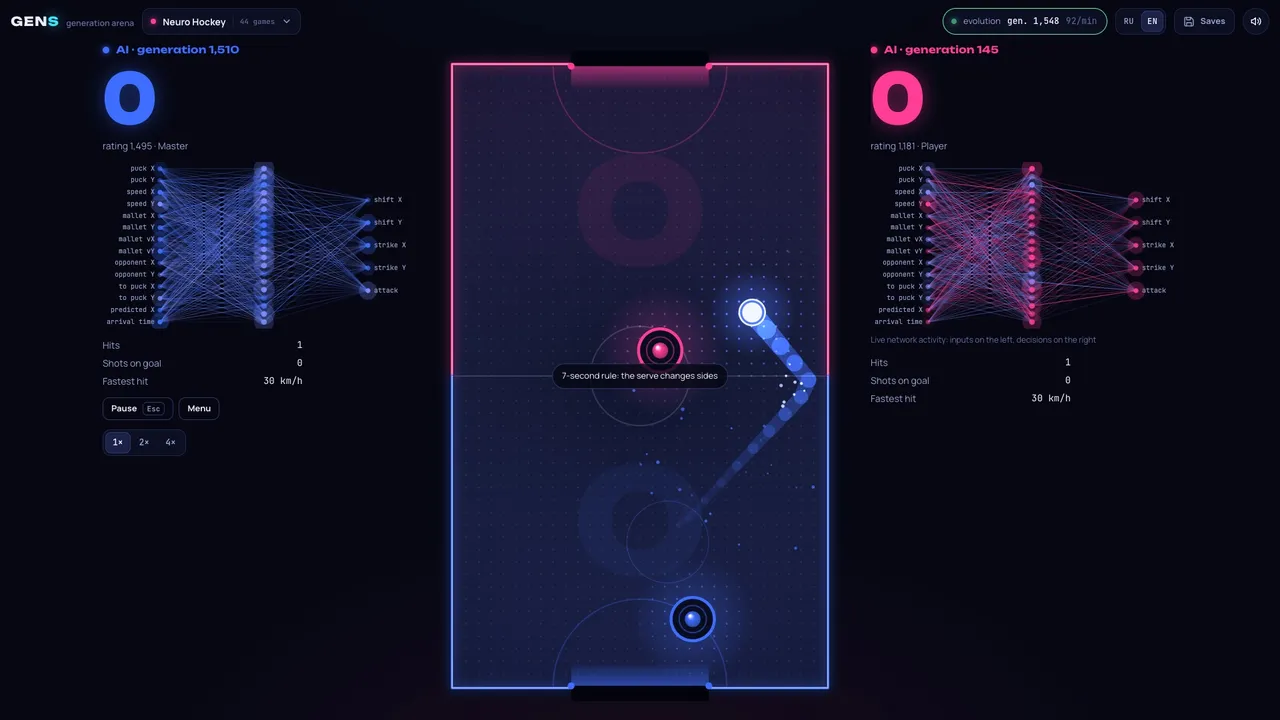
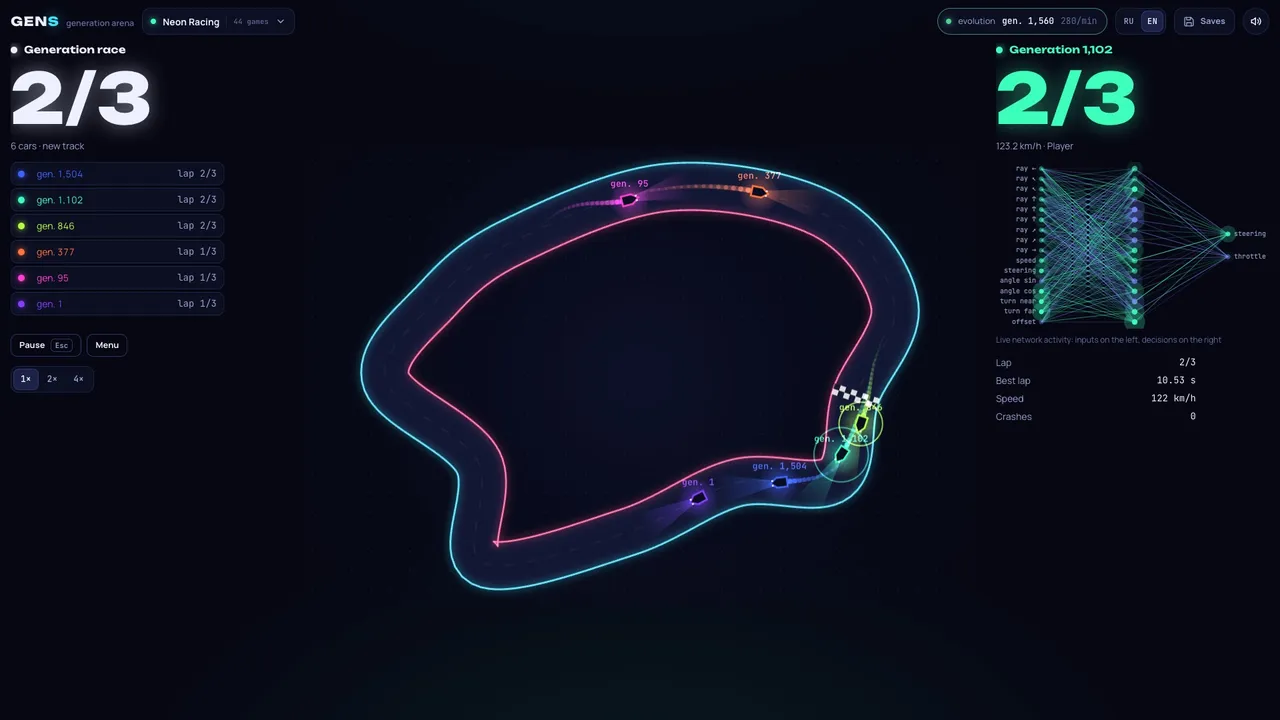
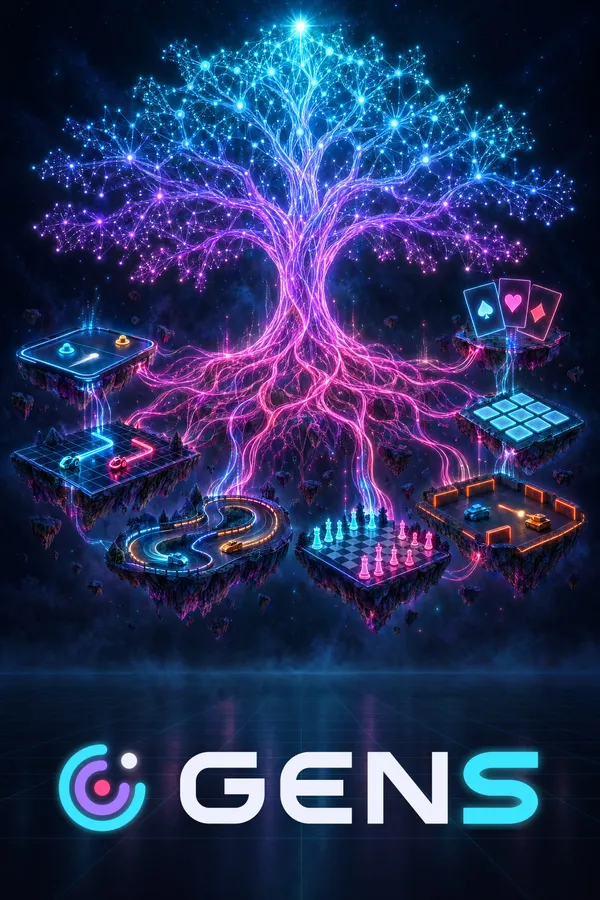
Neural networks evolve right on your computer across 32 games. Play any generation, from the clumsy first ones to the champion, draw your own worlds and build your own games for the AI to learn.
The first game on Gameway. More arrive as they are ready.
01The app
One app for your library, updates and friends. It is small, it stays quiet while you play, and the same friends and chat work in the browser.
Updates
ExampleAn update fetches only the pieces of a game that changed, so a patch downloads in moments and your evening starts on time.
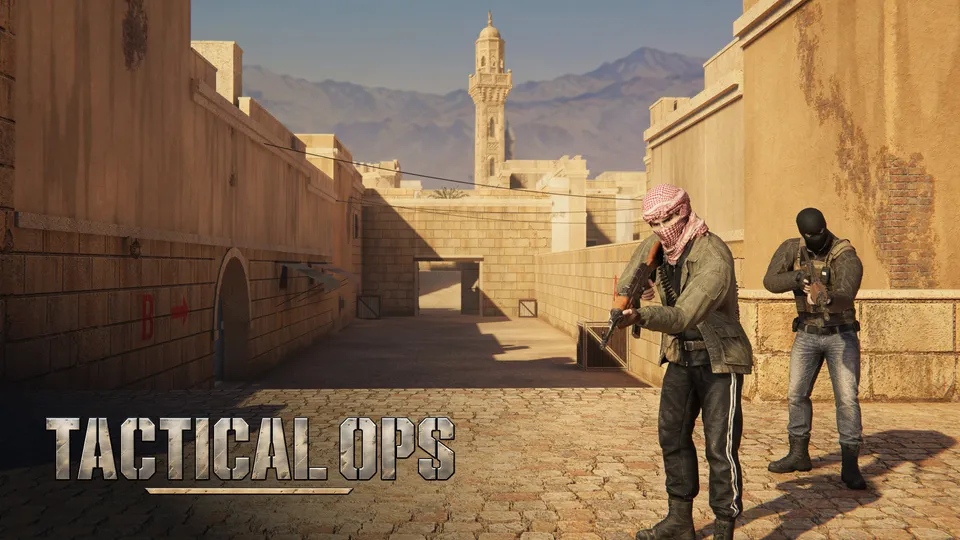
Measured on two Tactical Ops builds: an hour and a half of changes is 13.3 MiB to download instead of 1,079 MiB, when the game is built uncompressed.
Friends · chat · invites
ExampleSee who is playing, message them and join their match, from the app or right here in the browser.
Joining a match from an invite needs a game with the Gameway SDK, like Tactical Ops.
Library
ExampleEverything you get lands in your library, installed and kept up to date in the background.
In-game overlay
ExampleChat and invites show over a game only when you ask for them. Games turn it on with the Gameway SDK, as Tactical Ops does.
02Early access
Accounts are created by invitation for now. Ask someone who already uses Gameway for an invite link.
Open the invite link and follow the steps: it takes about a minute.
Download the app, sign in and install the game from your library.
Gameway Setup
Windows 10 / 11 · macOS 13.3+
The app is for Windows and macOS: open this page on your computer to download it.
One honest note. We are new, so our installers are not signed by Microsoft or Apple yet: Windows or macOS asks once before the app opens.
See the steps03Developers
Upload once, then update in megabytes. Players get a library, friends and invites. You get a developer portal, a command-line tool and numbers you can check.
Builds are cut into chunks and stored once. A patch sends only what changed.
A team-only branch for playtests and one-command rollback.
A Unity SDK with presence, invites, online passes and the overlay.
An audit log, team roles and a release preview that shows the download size first.
$ gw build push tactical-ops --depot windows-x64=./TacticalOps --label 0.7.0 --exe TacticalOps.exe --notes notes_0.7.0.mdgw 0.1.0 · app tactical-ops (#1000)Checks ✓ windows-x64 ./TacticalOps 207 files · 5.30 GB · 2 executables⚠ TacticalOps_Data/data.unity3d is a UnityFS archive compressed with LZ4HC (5.07 GB). Measured on Tactical Ops: a 1.5-hour iteration costs 1,079 MiB this way and 13.3 MiB when built uncompressed. …Chunking ━━━━━━━━━━━━━━━━━━━━ 100% 5.30 GB in 4.8 s windows-x64 66,400 chunks · 66,365 new 5.30 GB → 4.93 GB compressedUploading ━━━━━━━━━━━━━━━━━━━━ 100% 4.93 GB in 1,189 packs · 87.2 MB/s✓ Patch notes attached (en, ru) from notes_0.7.0.md › 0.7.0⚠ Build 2 "0.7.0" is uploaded and waits for a co-signature. On a trusted Mac with the org release key run: gw build cosign e2391f$
04Latest
Get Gameway
Install Gameway on your computer, sign in with the account from your invite, and your library is there.
The app is for Windows and macOS: open this page on your computer to download it.
Free · Windows 10 / 11 · macOS 13.3 or laterLinux not yet